In the latest insights shared through Google Search Central, Google has issued a clear reminder to SEOs and website owners.
Stop treating automated audit scores as indicators of technical health.
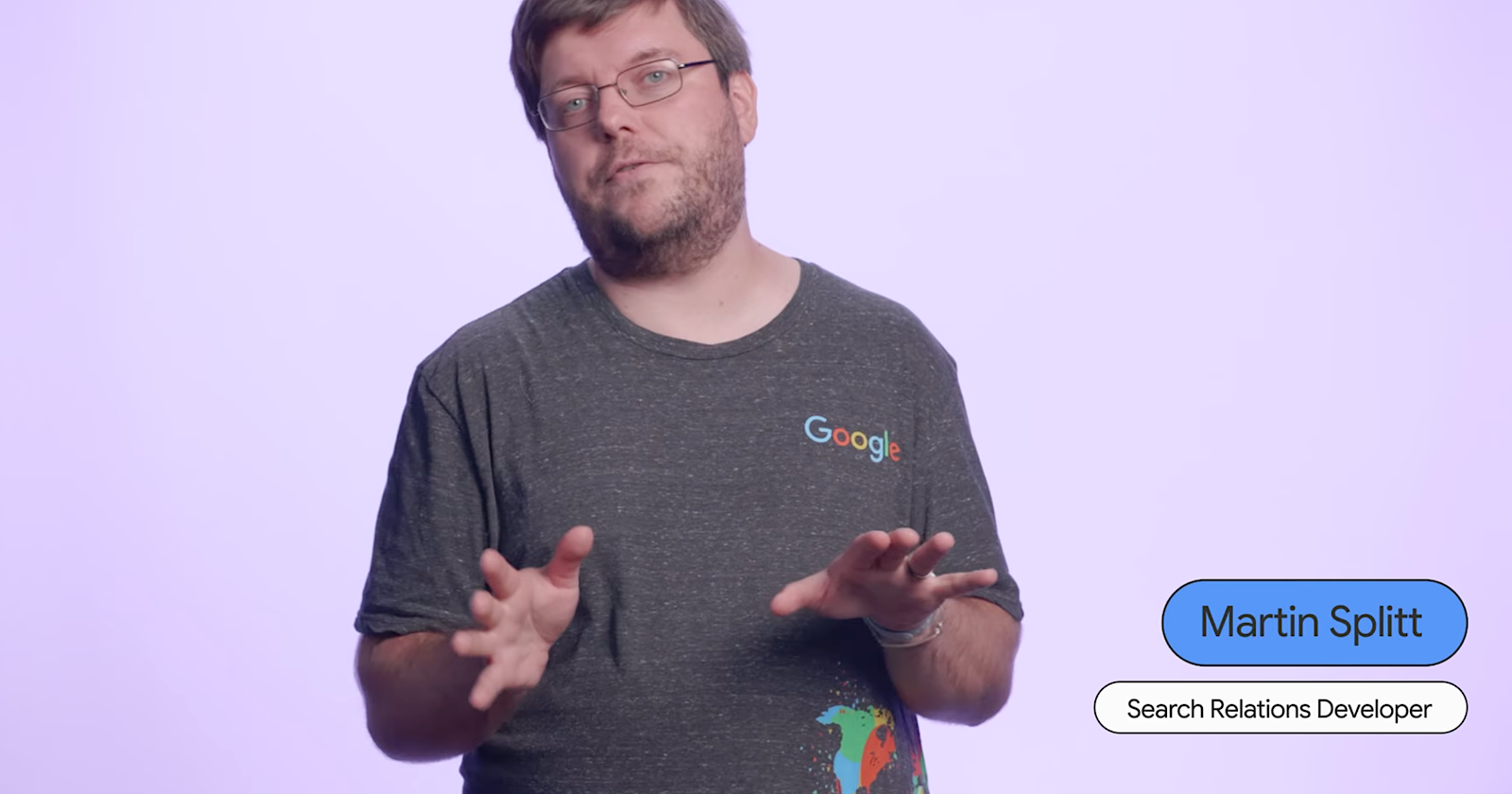
The update, led by Martin Splitt from Google’s Search Relations team.
It stresses that technical SEO audits should focus on real-world site context rather than arbitrary numerical scores produced by automated tools.
This latest Search Central guidance marks a subtle but important shift in how Google expects SEO professionals to interpret their audits.
What Did Google Say About Technical SEO Audits?
In his talk, Martin Splitt, a member of Google’s Search Relations team explained that most SEO audits fail not because tools are bad, but because they are used without interpretation.
He opened with a simple truth:
“A technical audit should make sure no technical issues prevent or interfere with crawling or indexing.
It can use checklists and guidelines to do so, but it needs experience and expertise to adapt these guidelines to the site you audit.”
The goal of an audit isn’t to chase “perfect scores” or fix every minor warning.
It is to ensure Google can crawl, understand, and index your website efficiently and that requires human insight.
How often have you seen an SEO report crammed with color-coded charts, percentages, and random “SEO health” scores that mean… nothing?
Splitt calls this out directly, warning against reports that look impressive but lack actionable value.
What’s Google’s Three-Step Framework for a Real SEO Audit?
Splitt suggests a structured but flexible approach. According to him, every effective technical SEO audit should follow three essential steps:
1. Identify potential issues using tools and guidelines
This is where most audits start and, unfortunately, where many end. Tools like Screaming Frog, Ahrefs, or Sitebulb are excellent for finding potential technical errors from crawl issues to redirects or missing tags.
But tools alone don’t understand your website’s business context, technical setup or content goals.
They simply flag deviations from best practices.
2. Create a report tailored to the site
Instead of dumping 50 pages of tool data, your audit should translate findings into real-world meaning. That means asking questions like:
- Does this issue actually affect how Google indexes the site?
- Is this relevant for this website’s architecture, size, or purpose?
- How does this impact user experience or conversions?
Splitt emphasizes that a good audit should make sense to the client or dev team. The report should connect technical data to strategic insights, not just list problems.
3. Recommend prioritized actions
Once you understand the issues, rank them by impact and effort.
“Group your findings according to the amount of effort and the amount of impact a fix will have,” Splitt advises.
A broken sitemap?
High priority, low effort. A few duplicate meta tags on paginated URLs? Probably not worth immediate attention.
The best audits help teams focus on low-hanging fruit with high SEO impact instead of wasting time on cosmetic technicalities.
When Are 404 Errors Actually Normal?
One of Splitt’s standout clarifications was around 404 errors, a frequent source of panic in technical audits.
He pointed out that not all 404s are bad, in fact, they are often perfectly normal.
“A high number of 404s, for instance, is expected if you removed a lot of content recently. That’s not a problem. It’s a normal consequence of that.”
However, what does matter is when 404s rise unexpectedly without any corresponding site changes. That is when you might be dealing with:
- Broken internal links
- Incorrect redirects
- Or URL generation issues from your CMS
Splitt recommends using Google Search Console’s Crawl Stats report to see whether your 404 patterns match normal site behavior. Context, again, is key.
Why Context Matters More Than Scores
We have all seen audits that assign a neat score: 82/100 “SEO Health” or “A+ Site Quality.”
It feels satisfying… until you realize those numbers mean absolutely nothing in Google’s eyes.
Splitt bluntly states that tool-generated scores lack site-specific context. For example:
- An international website should undergo hreflang auditing, but that’s irrelevant for a single-language site.
- A site with intentional 404s or noindex pages may trigger tool warnings, even though those are strategic, not errors.
This is why Google stresses human judgment over automation. Tools can assist; they can’t interpret intent.
“Make sure your findings are meaningful for the website in question and take the time to prioritize them for maximum impact,” Splitt said.
In other words, stop fixing what isn’t broken just because a crawler told you to.
Who Should Be Involved in a Technical Audit?
Interestingly, Splitt also reminded SEOs that technical audits should not happen in isolation.
“It helps a lot to talk to the people who are familiar with the site and its technology,” he said.
That means collaborating with:
- Developers, who can explain how routing, redirects, or JavaScript rendering works.
- Content teams, who can clarify why certain pages exist (or don’t).
- Site administrators, who know which configurations are intentional.
This collaboration ensures your recommendations are realistic, relevant, and technically sound, not just SEO theory.
What Should You Actually Look For in a Technical SEO Audit?
While Splitt didn’t publish a specific checklist, he outlined core areas every technical audit should cover. Here is what to examine (without turning it into a 200-item spreadsheet):
- Routing and network issues that could block crawling.
- HTTP headers and metadata to ensure pages deliver correct signals.
- Redirect chains or loops, especially after migrations.
- Canonicalization and internal linking, which affect indexation.
- Rendering and markup problems, particularly on JavaScript-heavy sites.
Each of these can be checked with simple tools, but the key is, do not panic at every alert.
A long list of warnings does not mean your site is in trouble; it means your tool found possibilities, not problems.
Why Blind Audits Waste Time (and Money)
Splitt’s final takeaway was a polite but pointed critique of how SEO agencies and freelancers often approach audits.
Many deliver automated reports filled with hundreds of data points and “fix now” recommendations but with no explanation of why those fixes matter.
The result?
- Developers ignore them.
- Clients get overwhelmed.
- Real technical issues get buried under noise.
Generic audits, Splitt warns, “waste time on low-impact fixes while missing critical issues.”
For example, a minor meta description warning might get flagged as “high priority,” while serious rendering issues or slow indexing go unnoticed.
A truly useful audit, in contrast, helps businesses understand what impacts crawling and indexing most and why.
So, What’s the Right Way to Run a Technical SEO Audit?
If you take Splitt’s advice seriously, here’s how to reframe your audit process:
- Understand the website first. How is it structured? What technology powers it? What’s its primary goal such as content discovery, ecommerce, or lead generation?
- Run your tools carefully.
Use crawlers, Search Console, and Lighthouse to gather data but treat it as a guide, not a verdict. - Interpret and prioritize.
Ask: which issues actually affect crawling, indexing, or ranking potential? Group them by effort vs. impact. - Collaborate with stakeholders.
Confirm findings with developers and marketers before sending recommendations. - Deliver actionable insights.
Replace arbitrary scores with real explanations and prioritized next steps.
Because, as Splitt reminds SEOs, tools don’t understand business goals, people do.
Why This Matters for the Future of SEO
Technical and AI SEO is evolving fast, but the fundamentals remain: crawlability, indexation, and accessibility are what matter most.
As automation and AI tools grow more advanced, it is tempting to let them do the thinking. But as this guidance shows, no algorithm can replace expert judgment.
The future of technical SEO isn’t about generating bigger reports, it is about generating better understanding.
TL;DR – Key Takeaways
- Google’s Martin Splitt warns SEOs not to rely blindly on audit tools or “SEO health” scores.
- A technical SEO audit should have three phases: find issues, interpret findings, and recommend meaningful fixes.
- 404s aren’t always bad, only unexplained spikes matter.
- Context matters: not every warning is a problem; not every fix is necessary.
- Collaborate with site experts to ensure your audit aligns with actual technology and goals.
- Prioritize impact over perfection.

Dipti Arora
AuthorDipti Arora is a Senior Content Writer with over seven years of experience creating impactful content across Digital Marketing, SEO, technology, and business domains. She has a strong background in managing news verticals and delivering editorial excellence. Dipti has contributed to leading publications such as The Times of India and CEO News, where her research-driven storytelling and ability to simplify complex subjects have consistently stood out. She is passionate about crafting content that informs, engages, and drives meaningful results.